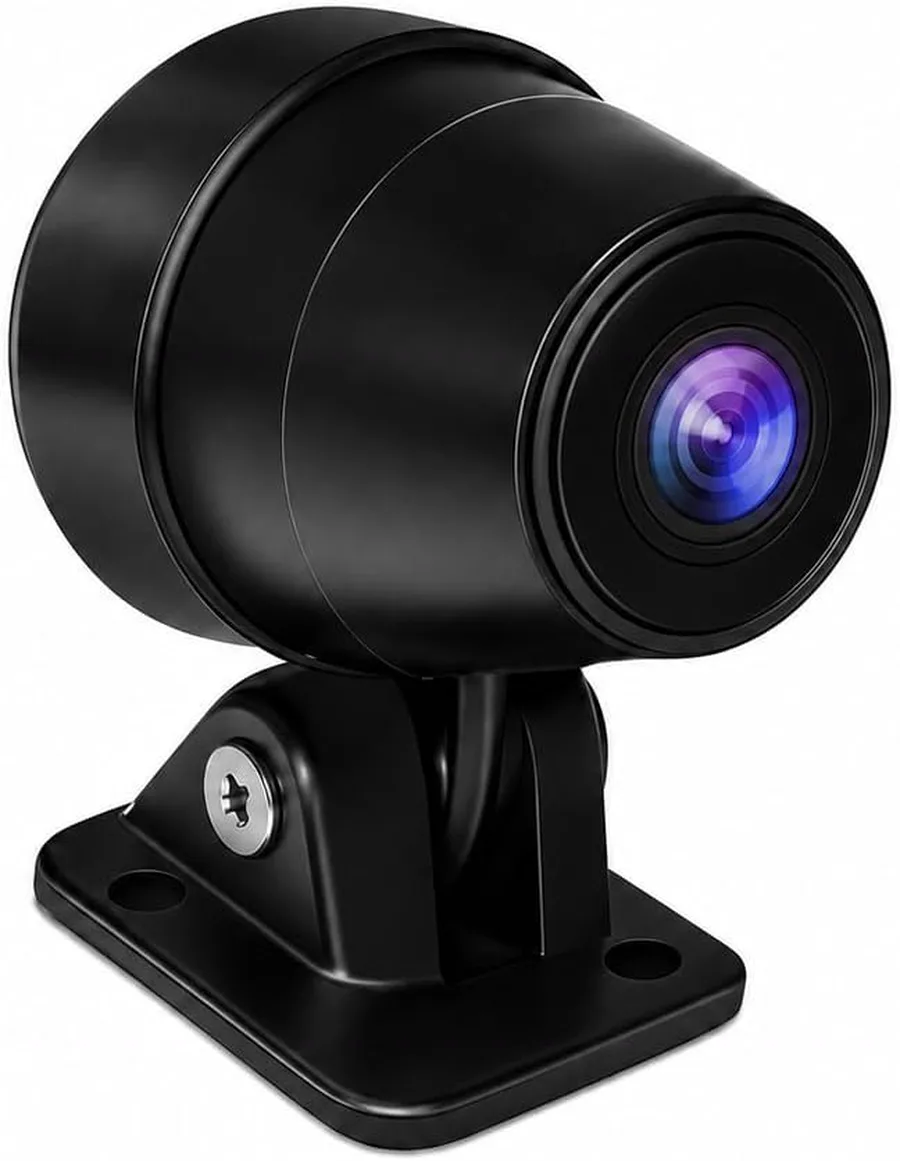
Aoocci Replacement Motorcycle Camera
Replacement 1080P motorcycle CarPlay cameras with IP67 protection, night visibility, a 140-degree lens, and Aoocci C6 Pro compatibility.
View productAoocci motorcycle accessories help you complete, replace, or adapt a compatible Aoocci display system. This collection includes replacement front or rear cameras, model-specific tire pressure sensors, a quick-release mount base, and a dedicated USB power cable. Compatibility is the first decision: camera model markings must match, TPMS sensors must match the display family, and mounting hardware must fit the selected screen. Check the exact configuration and connection requirements before buying. The right accessory keeps the installation secure and preserves the functions you already rely on without adding unnecessary hardware or questionable substitutes.
Replacement 1080P motorcycle CarPlay cameras with IP67 protection, night visibility, a 140-degree lens, and Aoocci C6 Pro compatibility.
View product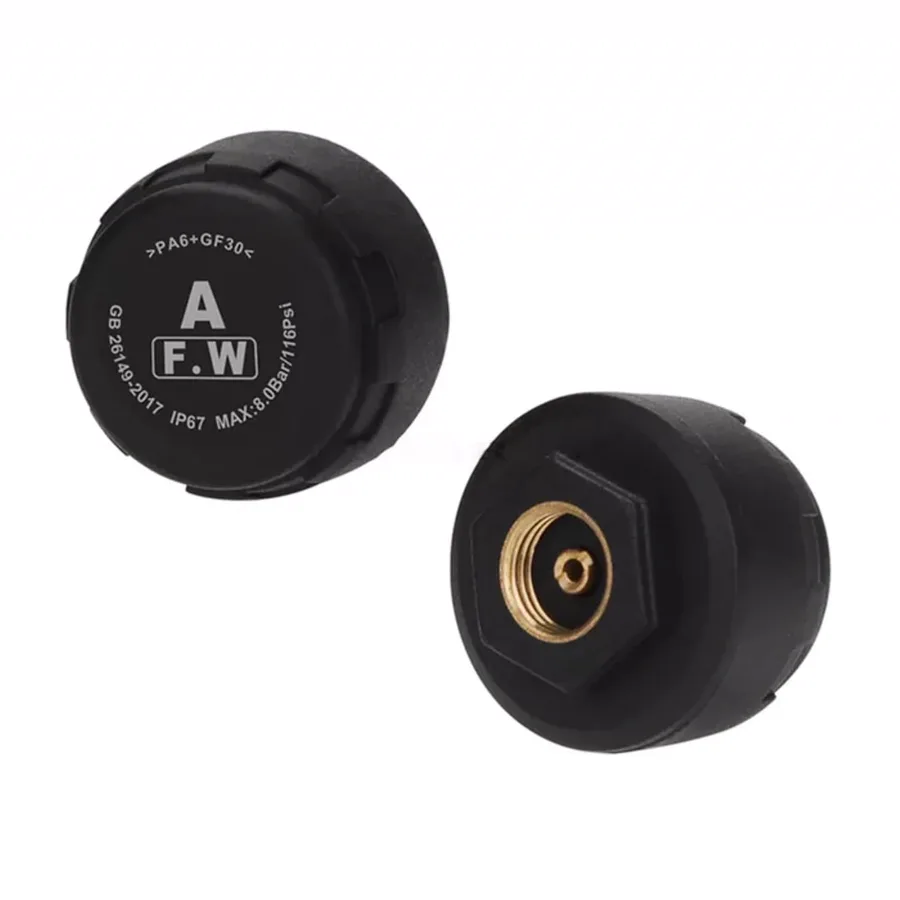
Model-specific two-sensor TPMS kits for compatible Aoocci displays, with pressure and temperature readings plus visual and audible alerts.
View product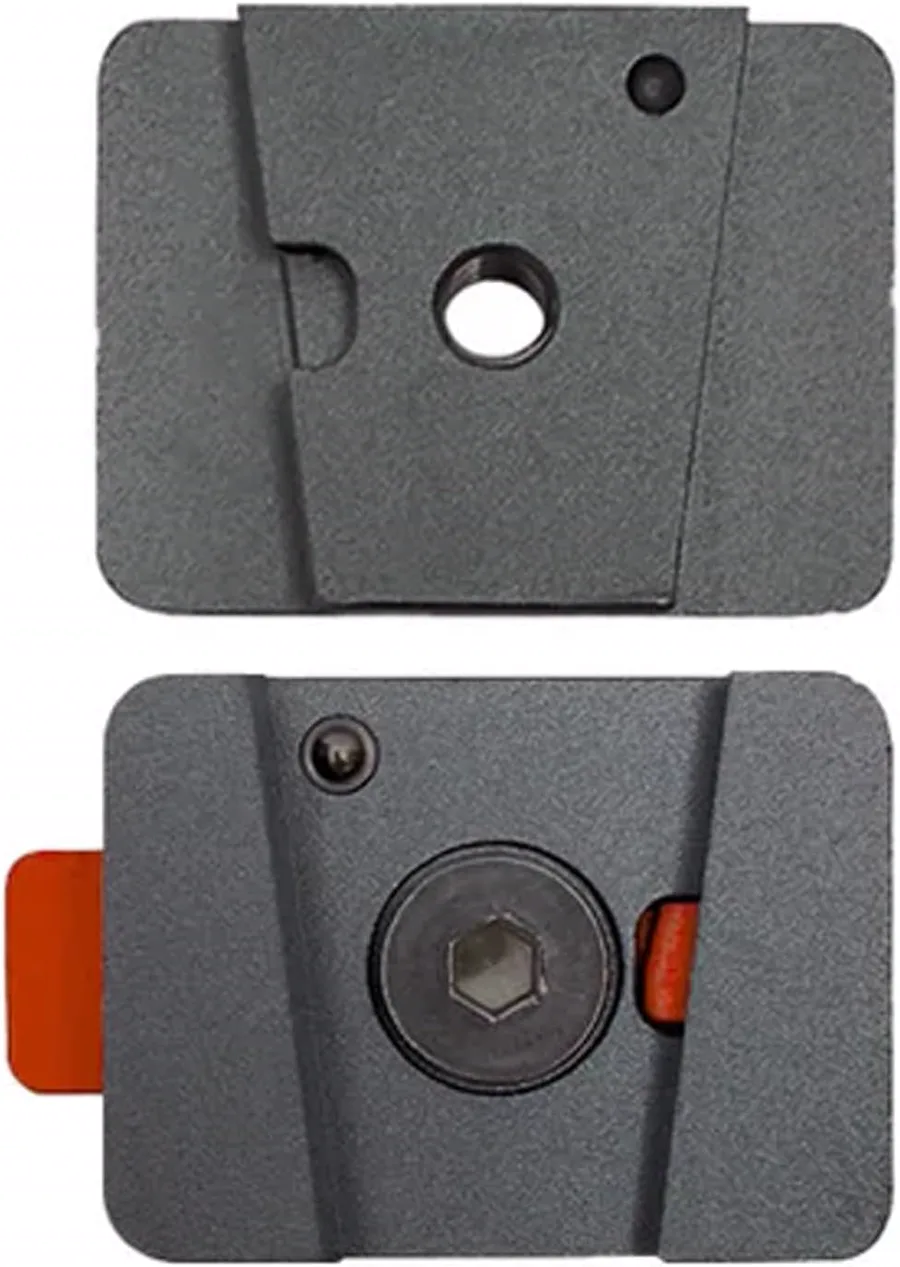
A CNC-machined replacement quick-release base for compatible Aoocci motorcycle displays, with a secure red release button.
View product
A dedicated one-meter power cable for compatible Aoocci motorcycle CarPlay displays, with 5V/2A input and 12V/1.5A output.
View productThe camera listing distinguishes 25L and 25K-P versions. Match the laser marking on the original camera to the selected replacement, and choose the one-pack or two-pack option that matches your installation.
No. The sensor set must match the supported Aoocci display family. The selector identifies C3 Plus, C6 Pro, C7, and C9 Pro or Pro Max options; confirm the product title before ordering.
The quick-release mount base is listed for C3 Plus, C6 Pro, C9 Pro, C9 Pro Max, and D6A displays. It is the base only, so the handlebar mount and display are purchased separately.
The dedicated one-meter cable is listed for Aoocci motorcycle CarPlay displays including C3 Plus, C9 Pro, and C9 Pro Max. It accepts 5V/2A input and provides 12V/1.5A output.
Start with your exact display model, then verify the connector, camera marking, TPMS family, or mounting interface. Choose only an accessory whose compatibility statement names your model.